What is swarmx
swarmx is a browser dashboard that runs locally. It launches the coding CLIs you have already installed and logged in to inside a pseudo-terminal (PTY) — each agent is the CLI binary itself — and connects them to a collaboration layer: a shared inbox, a shared blackboard, and a single-entry orchestrator. You describe your goal to the orchestrator in natural language, and it handles the decomposition, dispatch, and aggregation of results.
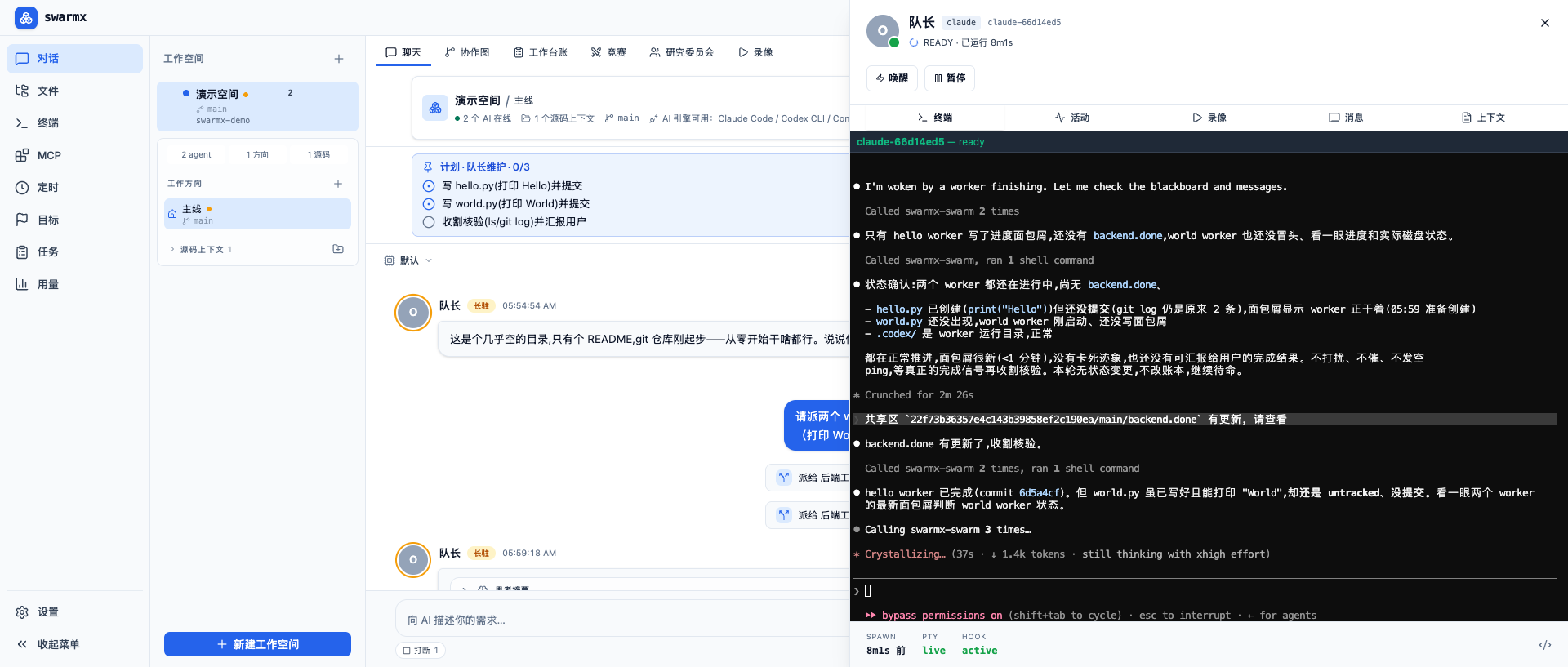
Run the CLI directly, not a re-wrapper
Most agent orchestration tools take one of two routes: they rewrite a model client, giving up the subscription authentication you have already paid for; or they wrap the CLI at the wrong layer and cannot reuse an existing session. swarmx only adds coordination on top and replaces nothing — what runs is always the CLI itself. As a result, authentication, rate limiting, and plan-quota behavior are exactly the same as using it directly in a terminal, and swarmx neither reads nor stores any credentials.
Three collaboration modes
- Swarm collaboration — an orchestrator leads workers dispatched on demand to complete a task together.
- Research committee — multiple models consult on the same question in parallel and are synthesized into a conclusion after a structured comparison.
- Fusion — multiple models each implement the same requirement, gated by an objective check, with the best solution synthesized and merged.
The multi-model capability behind the latter two modes is provided by Comate Zulu — a single License gives you access to more than a dozen models.
Concepts worth knowing first
- How it works — the three-layer structure, data flow, and privacy boundary.
- Blackboard and inbox — what agents rely on to collaborate.
- Wake mechanism — how a stopped agent gets back to work when needed.
- Directions and isolation — how to advance multiple non-interfering lines of work in parallel.
Getting started
- To run it right away: Quick start (run from source) or the desktop build (download and use).
- Set up your engines first: Install and log in to engines.
- To use the multi-model research committee and fusion: Install Zulu and configure a License.